
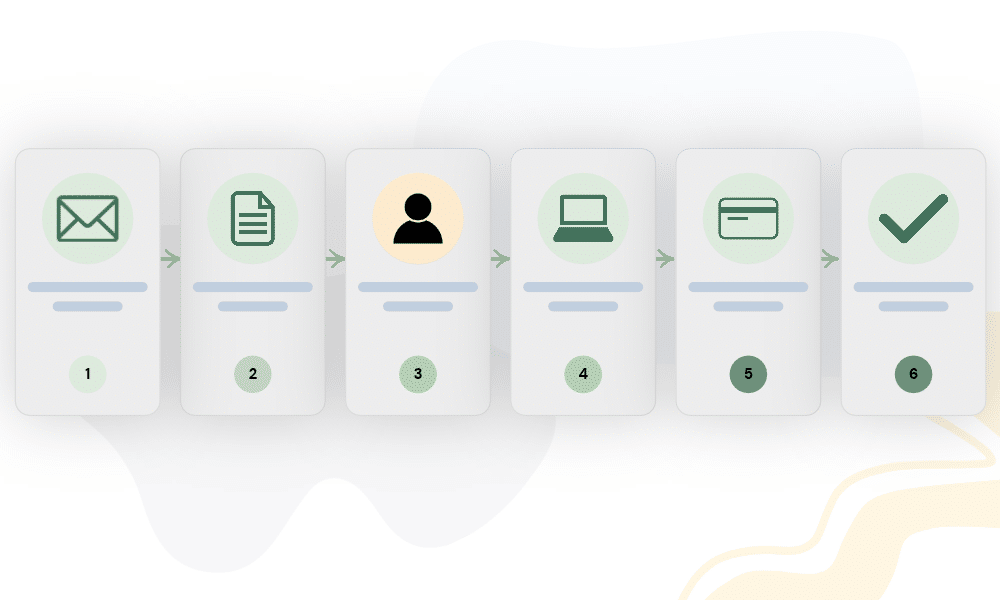
Most client-service businesses need fewer stages than they think. A practical client workflow for a service business can usually be reduced to nine:
Inquiry → Qualification → Proposal → Booking → Onboarding → Active Work → Completion → Offboarding → Feedback
Payments and scope changes run across several of those stages instead of belonging to one isolated point in the process. That gives a tiny team enough structure to keep work from disappearing into an inbox without turning a three-person business into a miniature bureaucracy.
1. Inquiry: capture the request
The first job is to make sure every genuine enquiry reaches one visible tracking system. Record who contacted you, how to reach them, what they want, when the enquiry arrived, where it came from, and what should happen next.
That final field matters more than it may seem. Without a clear next action, an inquiry tracker quickly becomes a list of people you once spoke to rather than a working pipeline.
You do not need sophisticated software at this stage. A contact form can feed a spreadsheet, or someone can enter enquiries manually from email, as long as every lead ends up in the same place.
2. Qualification: decide whether the work fits
Not every enquiry should become a proposal. Qualification gives you enough information to decide whether the work fits your scope, whether the timeline and budget are realistic, and whether you understand the client’s actual problem.
This is also the right time to learn what the client already uses, what is failing, and what constraints may affect the project. Good qualification protects both sides by reducing the chance that you promise the wrong solution or build a proposal around assumptions.
3. Proposal: define what you are agreeing to
A good proposal should make the client’s next decision easier. It should clearly explain what you will do, what you will deliver, what it costs, roughly when it will happen, what the price does not include, and what the client needs to do next.
For service businesses, exclusions matter almost as much as deliverables. “Website update” might mean three small page edits to one client and a full redesign to another, so defining the boundary now can prevent uncomfortable conversations later.
4. Booking: turn interest into commitment
A proposal alone does not mean the client has booked. Decide what must happen before your business considers the work secured, whether that means proposal accepted + contract signed + deposit paid or another combination that suits your service.
Consistency matters more than the exact formula. Once the client meets those booking conditions, record the confirmed scope, dates, payment status, and any materials or information they need to provide.
Do not let an enthusiastic “yes” in an email quietly become permission to begin if your own process requires a signed agreement or payment first.
5. Onboarding: collect what the work needs
Onboarding is more than a welcome email. Its real purpose is to collect everything your team needs to begin the work properly and make sure the client understands how the project will run.
Depending on the service, you might need contact details, files, brand assets, logins, questionnaires, preferences, team roles, approval contacts, communication expectations, and important dates. A checklist keeps those requirements visible instead of relying on somebody to remember them at the right moment.
If you ask every client the same questions, use a form. Google Workspace, for example, includes Forms alongside Gmail, Drive, Docs, Sheets, and Calendar, which makes it possible to build a simple intake process without adding another platform. Google Workspace for small businesses
6. Active work: make progress visible
Once work begins, the system should make the current state of the project easy to understand. Anyone who needs access should be able to see what the team is doing, who owns each task, what is due, what is blocked, what you are waiting on from the client, and whether anything has changed.
Project-management software can help when several people work on the same project, but the principle matters more than the tool. Every important task needs an owner and a next step, including work that currently sits in a “waiting on client” state.
The project does not stop existing simply because the next action belongs to someone outside your team. Keeping those waiting points visible prevents projects from quietly stalling.
Scope changes belong here too
Client projects change, and that is not automatically a problem. Trouble starts when changes happen informally and nobody records what they mean for scope, cost, or timing.
A useful change-request record should capture what the client requested, who requested it, whether it falls inside the original scope, any additional cost, any effect on the timeline, and whether both sides approved it. That turns “Could you also quickly add…” into a conscious decision instead of an accidental commitment.
It also gives you something concrete to refer back to when the project reaches completion.
Payments run across the workflow
Payment does not belong to one single stage because different businesses collect money at different points. You might use a booking deposit, milestone invoices, recurring retainer payments, a final balance, or some combination of those.
Track each obligation with an amount, due date, status, and payment date. Your operating rules should also make clear whether work can begin before a deposit arrives and whether final handover happens before or after the last payment clears.
There is no universal answer to those questions. What matters is that your team knows the answer before a payment problem appears.
7. Completion: compare delivery with scope
Before you call a project complete, compare the work delivered with the scope you agreed to at the beginning. Check the required deliverables, approved changes, final revisions, client approval, outstanding tasks, and payment status.
This is where vague scope often comes back for revenge. A clear completion checklist gives both the business and the client a practical definition of “done.”
8. Offboarding: close the work properly
The end of a project should feel intentional rather than gradually fading into silence. Depending on the service, offboarding may involve sending final files, transferring ownership, handing over SOPs, removing temporary access, archiving the project, confirming maintenance responsibilities, and explaining what support remains available.
Poor offboarding creates invisible obligations. Former clients continue asking for help, team members retain unnecessary account access, and nobody can remember whether ongoing maintenance formed part of the original agreement.
Closing the loop properly protects the client and the business while making the end of the engagement clear.
9. Feedback: learn and ask
Once the client has received the final outcome, ask what the experience was like. A useful follow-up might include a short satisfaction survey, testimonial request, public review request, permission to reuse positive feedback, referral request, or future check-in date.
Do not assume happy clients will volunteer this information on their own. Most people simply move on once the work is finished, so ask politely and make the action easy.
Feedback also gives you operational information, not just marketing material. If several clients struggle with the same part of onboarding or communication, that is a process problem worth fixing.
Where the software fits
This workflow does not require nine separate tools. A tiny service business can often handle several stages with the same small set of systems, especially at the beginning.
You might use a form and spreadsheet for enquiries, a notes template for qualification, a document or proposal tool for proposals, and a spreadsheet plus contract and invoice process for booking. Onboarding can run through a checklist and intake form, while active work lives in a task or project tool, payments live in invoicing or accounting software, and completion and offboarding use repeatable checklists.
Feedback may require nothing more than an email template and a simple tracker. As the business grows, a CRM can take over more of the client-management work; if you are unsure when that becomes worthwhile, see When Does a Small Service Business Actually Need a CRM?.
For a practical starting stack, see 5 Tools I’d Set Up First for a Tiny Service Business.
The point is not the diagram
A client workflow matters because it removes uncertainty, not because it looks tidy on paper. A lead has a next action, a booked client has onboarding requirements, an active project has owners and deadlines, and a scope change has a recorded decision.
The same applies at the end of the engagement. A completed project has a clear finish, an offboarded client knows what happens next, and the business has a chance to capture useful feedback.
That is what makes a tiny team feel organised without making it feel corporate.