
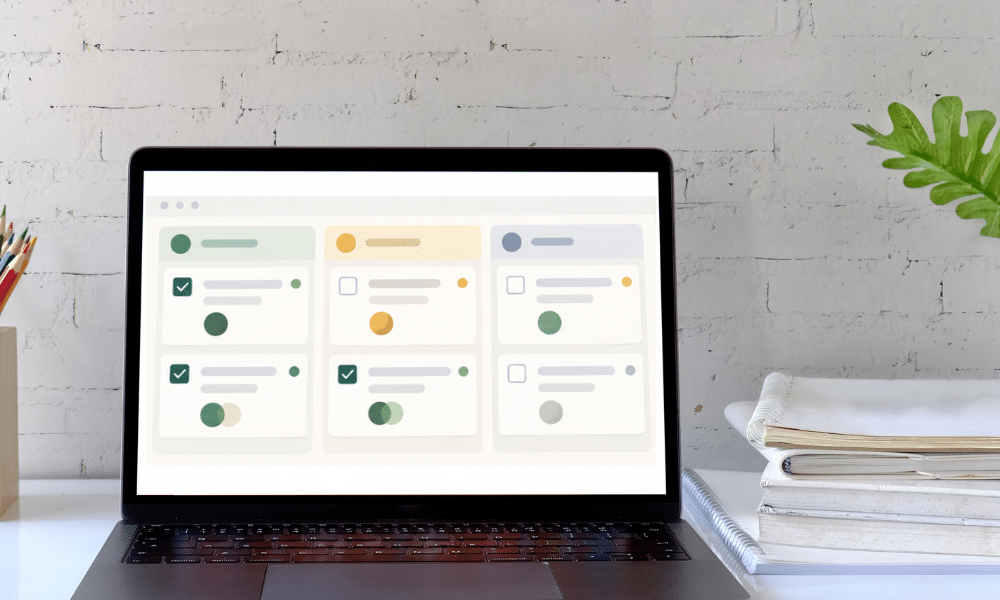
A small team does not automatically need project-management software. You need it when the work becomes difficult to coordinate: tasks get forgotten, ownership is unclear, deadlines live in several places, or people keep asking one another for status updates.
If everyone already knows what they own, what is due, and where the current information lives, you may be better off keeping the system simple. Headcount matters less than the complexity of the work.
Imagine two businesses. One has five people, and each person handles their own clients from beginning to end with very little overlap. The other has two people, but every project passes through both of them, requires client approvals, depends on external files, and contains twenty small tasks.
The two-person business may need project-management software much sooner because project tools solve coordination problems, not employee-count problems.
What project-management software actually solves
A good project-management system gives work a visible structure. At minimum, your team should be able to see what needs to be done, who owns it, when it is due, what is blocked, what is waiting on a client, and what is complete.
More advanced tools can add dependencies, recurring tasks, automations, time tracking, dashboards, workload views, forms, and approval flows. Asana describes project tracking as a way to give teams a shared view of tasks, responsibilities, deadlines, and progress without piecing everything together manually. Asana on project tracking
That shared visibility is the real value. The software itself is only useful if it makes the work easier to understand and manage.
When a simpler system is probably enough
You may not need dedicated project software if most of the work is individual and tasks rarely cross between people. A shared calendar, checklist, or simple task list can be enough when each team member mostly owns their own clients and projects.
Low project volume also gives simple systems more room to work. Three straightforward projects with clear deadlines create very different coordination demands from twelve active projects with overlapping timelines, approvals, and handoffs.
A highly repeatable process can also stay lightweight for a long time. If every job follows the same five steps and the same person owns all five, a checklist may be more useful than a full project-management platform.
Most importantly, do not replace a system that already works just because another tool looks more professional. If deadlines are being met, ownership is clear, and information is easy to find, you do not have an urgent software problem.
When project-management software starts earning its keep
The clearest warning sign is work getting lost in chat, email, or verbal conversations. “Can you do this?” is not a task-management system, and once assignments happen across several channels, someone eventually misses one.
Repeated status questions are another clue. If “Where are we on this?” comes up constantly, the team does not have enough visibility. A useful project system should answer that question without requiring a meeting.
Handoffs also make dedicated software more valuable. A designer may finish a draft, then a project manager sends it to the client, the client requests changes, the designer revises it, and someone else prepares the final files. Without a visible workflow, work can sit between stages because everyone assumes somebody else owns the next move.
Dependencies create the same problem. If one task cannot begin until another is approved, or several deadlines rely on work happening in sequence, a basic list starts to struggle. Dedicated software makes those relationships easier to see and manage.
Recurring work is another strong case. Monthly reports, weekly content production, regular client check-ins, and bookkeeping cycles become much easier when the system can create recurring tasks automatically.
Keep client management and project management separate
Tiny teams often try to make one tracker do everything. That usually works for a while and then turns into a sheet with forty columns and several increasingly mysterious tabs.
A client tracker might tell you that Acme Studio has an active website-refresh project. That is useful because it answers a relationship question: What is happening with this client?
A project system answers a different question: What work needs to happen next?
Those two systems can overlap, but they should not become identical. Keeping the distinction clear makes both easier to maintain. Our Small Business Tech Stack guide explains how those layers fit together.
Start smaller than the software allows
One reason tiny teams abandon project software is that they build too much too quickly. They create twelve statuses, six custom fields, four dashboards, automations for every possible exception, and project templates with seventy tasks.
Then updating the system becomes its own job.
Start with the smallest useful structure:
Task · Owner · Due date · Status · Notes or link
Add complexity only when a real problem demands it. A team that reliably uses five fields has a better system than one that ignores twenty-five.
A practical way to decide
For one week, pay attention whenever someone forgets a task, asks who owns something, requests a status update, misses a deadline because of a handoff, overlooks client approval, enters the same work twice, or says, “I thought you were doing that.”
If those moments are rare, your current system may be fine. If they are part of normal operations, project-management software is no longer just another subscription; it is a way to reduce coordination cost.
Before buying anything, map one normal project from beginning to end. You may discover that the real problem is not task management at all. The client may provide materials late, approvals may be vague, or work may begin before scope is confirmed.
Those are workflow problems, and software will not solve them on its own. The Simplest Client Workflow for a Tiny Service Business can help identify where project management actually needs to begin.
The bottom line
A team of one can benefit from project software, while a team of five can operate perfectly well without it. The deciding factor is whether the work is becoming hard to coordinate.
If your current system clearly shows what needs to happen, who owns it, and when it is due, keep it. When answering those questions starts consuming time or causing mistakes, the tool has a job to do.